Quick Start Guide
Thank you for your purchase of the Splayometer™.
Please read this guide before using the device.
The full user manual is available on the Downloads page.
Attachments
The hand loop and finger rings connect to the load cell via a 90 degree twist lock. To attach them, push them together and then turn. To remove them, turn counterclockwise 90 degrees and then pull.
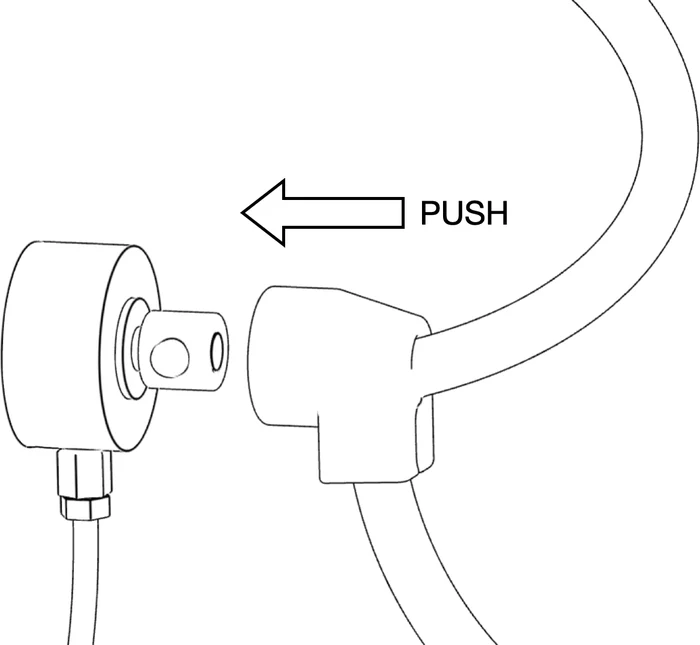
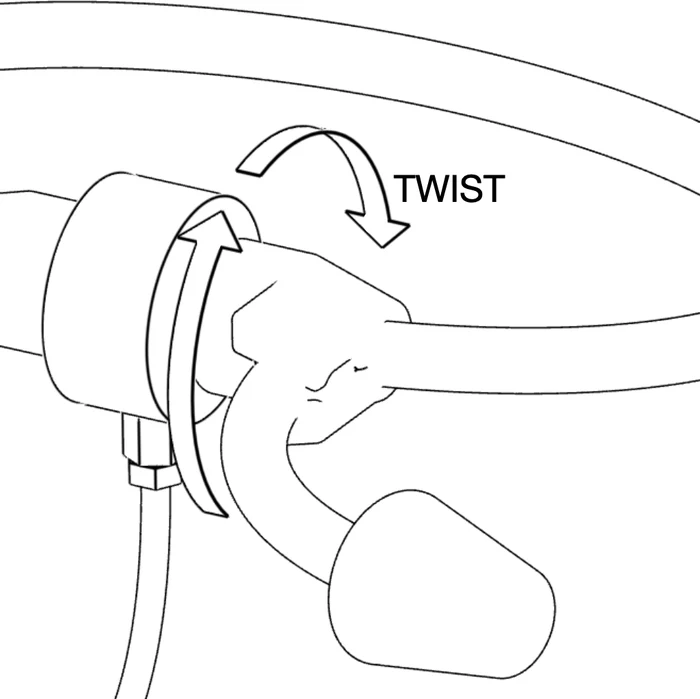
Getting Started
Flip the power switch On. The “SPLAYOMETER” screen appears and shows the battery level and Firmware version, then the device shows the default measurement mode.
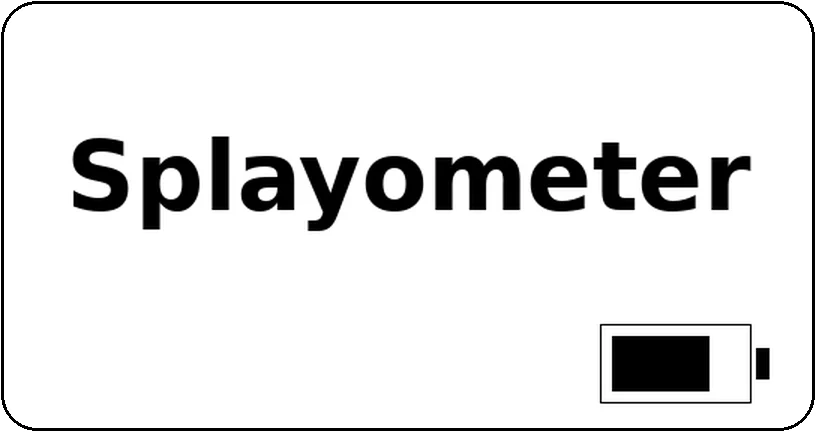
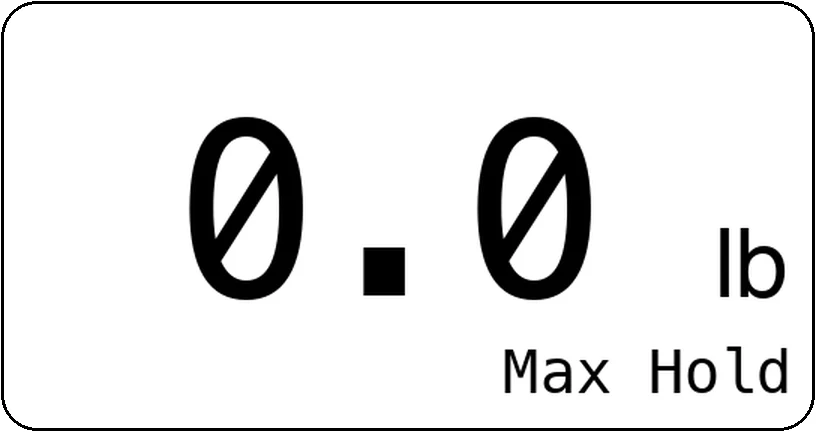
NOTES: The Splayometer was set to default to Max Hold mode; this can be changed in Settings. The Splayometer goes to sleep after 15 minutes. Press any button to wake.
Buttons
| Button | Short Press | Hold (2 seconds) |
|---|---|---|
| ZERO | Zero the scale | Open the Settings screen |
| MODE | Change the modeLive → Max Hold → Average | Switch the unitskg ↔ lb |
| CAL | Average mode only: Advance step | Enter Calibration mode |
Taking a Measurement
- Press ZERO to zero the scale with no load applied
- Apply force (splay or pinch) to the load cell
- Read the value on the screen
Measurement Modes
- Live
- Reads applied force continuously. Press ZERO to zero the scale.
- Max Hold
- Captures the peak applied force. Press ZERO to reset.
- Average
- Records three trials and averages results:
- Press CAL to begin
- Apply force, press CAL to save Trial #1
- Repeat for Trials #2 and #3
- After Trial #3, the mean result is displayed
- Press CAL again to reset and start over
Settings Screen Overview
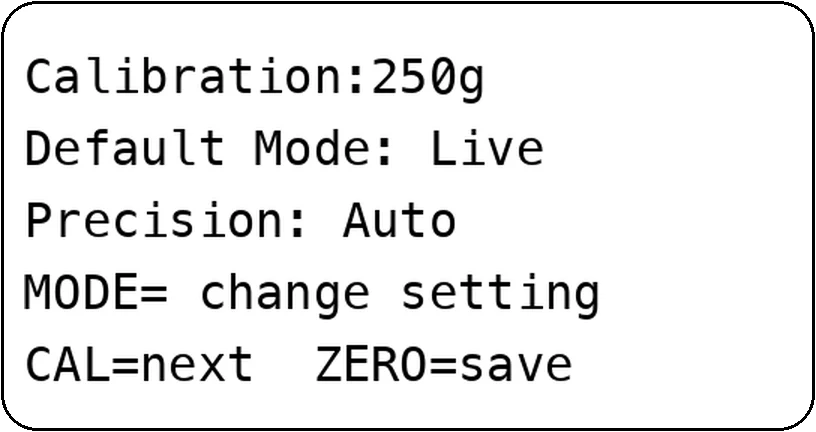
- Default startup mode
- Calibration weight
- Precision setting (Auto / tenths)
NOTE: The Splayometer was factory-calibrated and tested with 500g. It was also set to default to "Auto" mode, and will display hundredths 0.00 precision below a reading of 10 lb/kg. The Splayometer is accurate to ±0.06 lb (±27 g).
Full User Manual
See the full manual for details: Splayometer User Manual (PDF)
Need help? E-Mail us at support@metricdevices.com